|
|
|
|
Products mentioned in this Article
--None--
|
|
|
|
|
|
|
|
|
 |
|
|
 |
Open All Hours:
Adding Window Detail To The Corner Store
with Victor Pesch
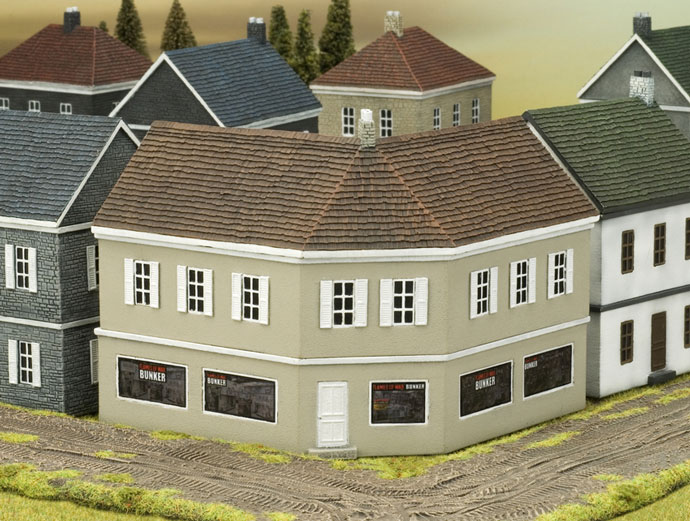
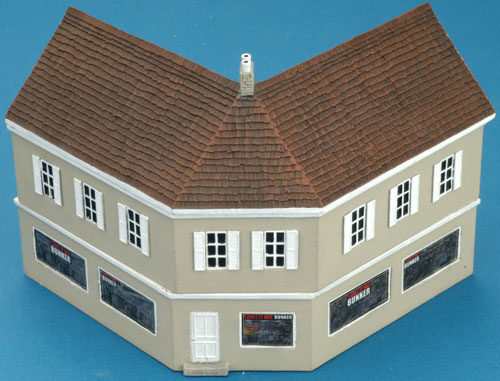
Once I saw the Corner Store from the Premium Property collection, I immediately saw a chance to add some real character to this terrain piece. So I grabbed a ruler; opened up Photoshop and got to work.
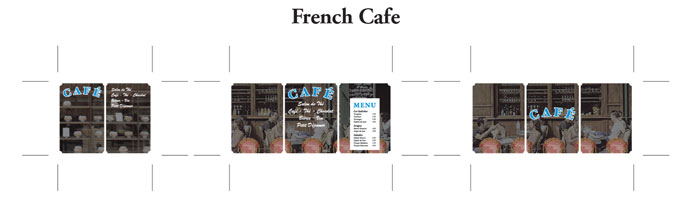
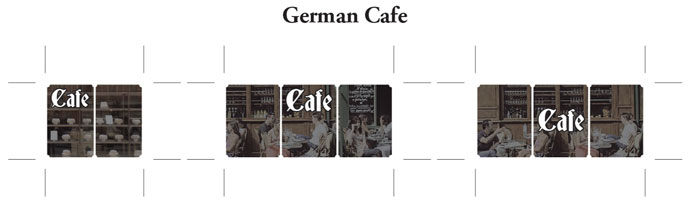
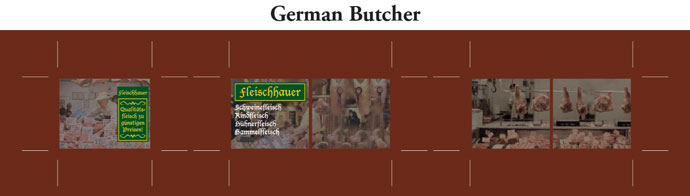
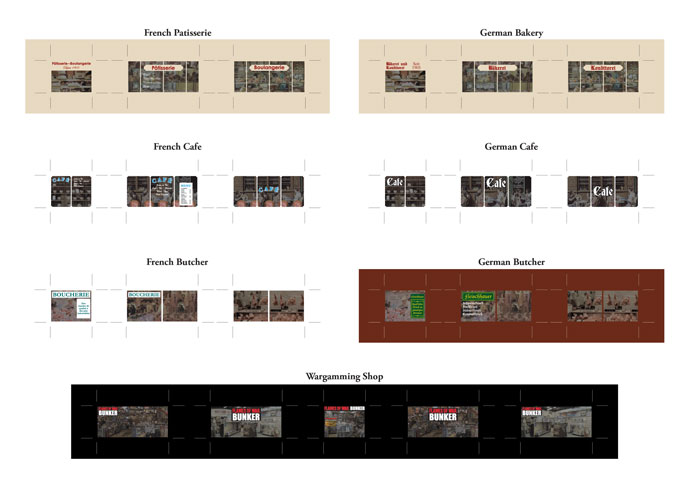
After a quick image search, I was able to create a number of shop fronts decals and have placed them in a PDF for your downloading pleasure. |
| Example Shop Fronts |
 |
 |
 |
 |
 |
 |
 |
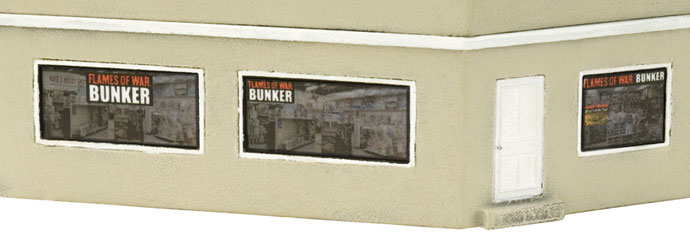
Below: A closer look at the 'Flames Of War Bunker'.
|
 |
|
Application Tips
Here are a few tips to help you apply the decals correctly:
■ When it comes to printing out the actual PDF; don’t use the Shrink To Fit option in your printer settings, print at Actual Size in Landscape orientation.
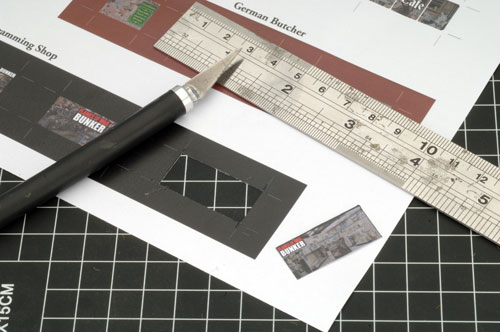
■ I’ve provided crop marks to assist in cutting out process. I found a steel ruler and a sharp hobby knife the best tools for the job. Be sure to also use a cutting mat.
Right: A preview of the Shop Front Decals.
|
|
|
■ To help these decals blend in with the building and look more nature, you can first paint the windows and window frames to match the decals. Good colours for these are White (FWP301), Black (FWP300), Dry Dust (FWP364), and Oxide Red (FWP382).
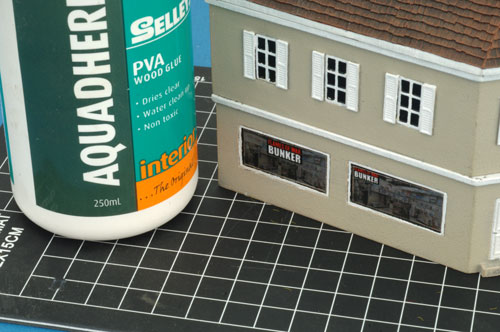
■ Use PVA glue to adhere the decals to the building.
■ To further enhance the effect, once the PVA glue has dried, paint over the decals with gloss varnish.
~ Victor.
|
How To Enjoy The Shop Front Decals
|
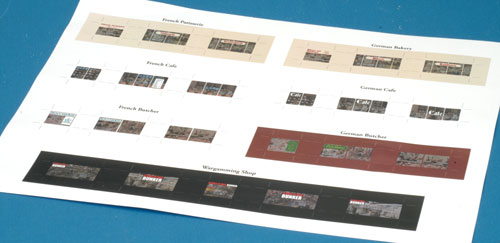
Step One. Print out.
|
Step Two. Cut out. |
 |
|
Step Three. Stick on.
|
Step Four. Enjoy!
|
 |
 |
Last Updated On Friday, July 3, 2015
|
|
|